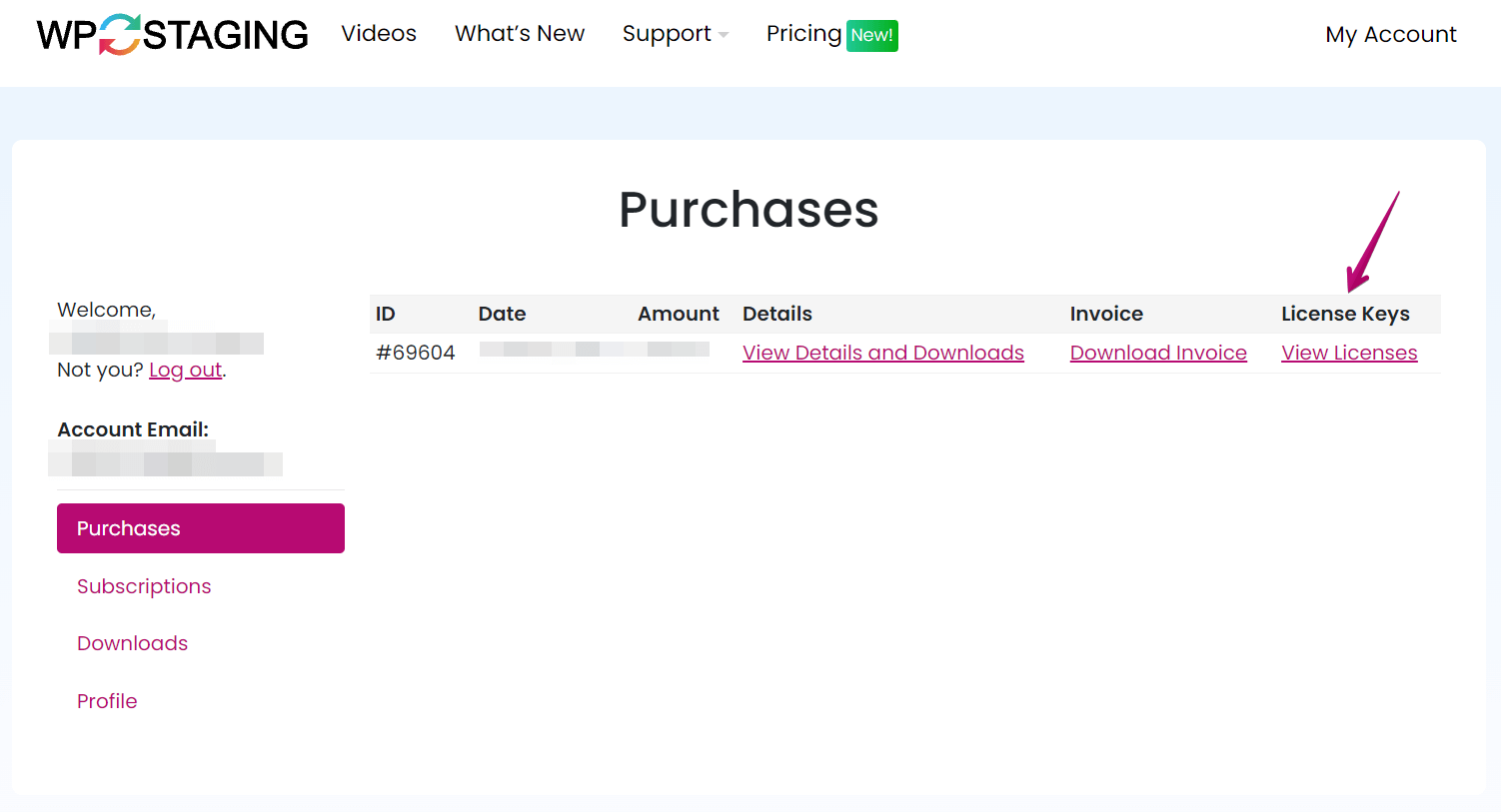
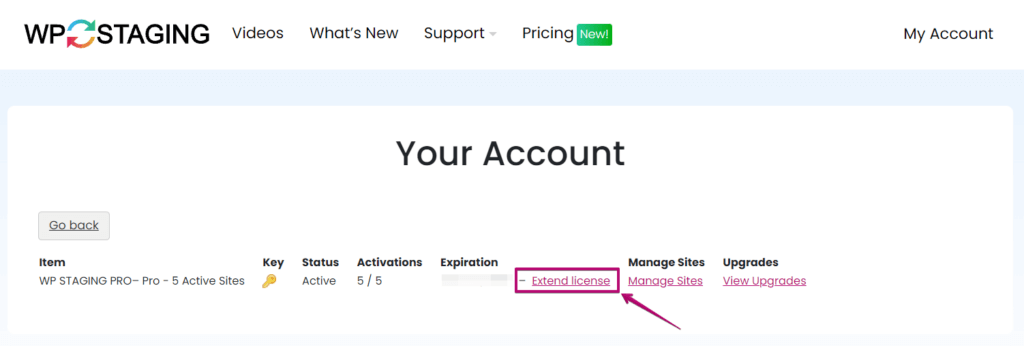
ライセンスの更新と延長 By Rene Hermenau, Founder · Updated 5月 23, 2026 有効なライセンスは、https://wp-staging.com/your-account/ のアカウントから、更新およびテクニカルサポートのために延長できます。 アカウントにログインします。 View Licenses をクリックします。 Extend License をクリックします。 支払いページにリダイレクトされます。 支払いを行い、更新を完了します。 Updated on 5月 23, 2026Post navigation← 請求書のダウンロードライセンスキーを別のサイトに切り替える → 著者: Rene Hermenau 著者について: René Hermenau は WP STAGING の創設者です。WordPress のバックアップ、ステージング、移行、データベース処理、安全なデプロイメントワークフローに取り組んでいます。 Rene Hermenauの著者プロフィール全文を見る