Renew and Extend a License

You can renew your active license for updates and technical support through your account at https://wp-staging.com/your-account/.

  • Login to your account
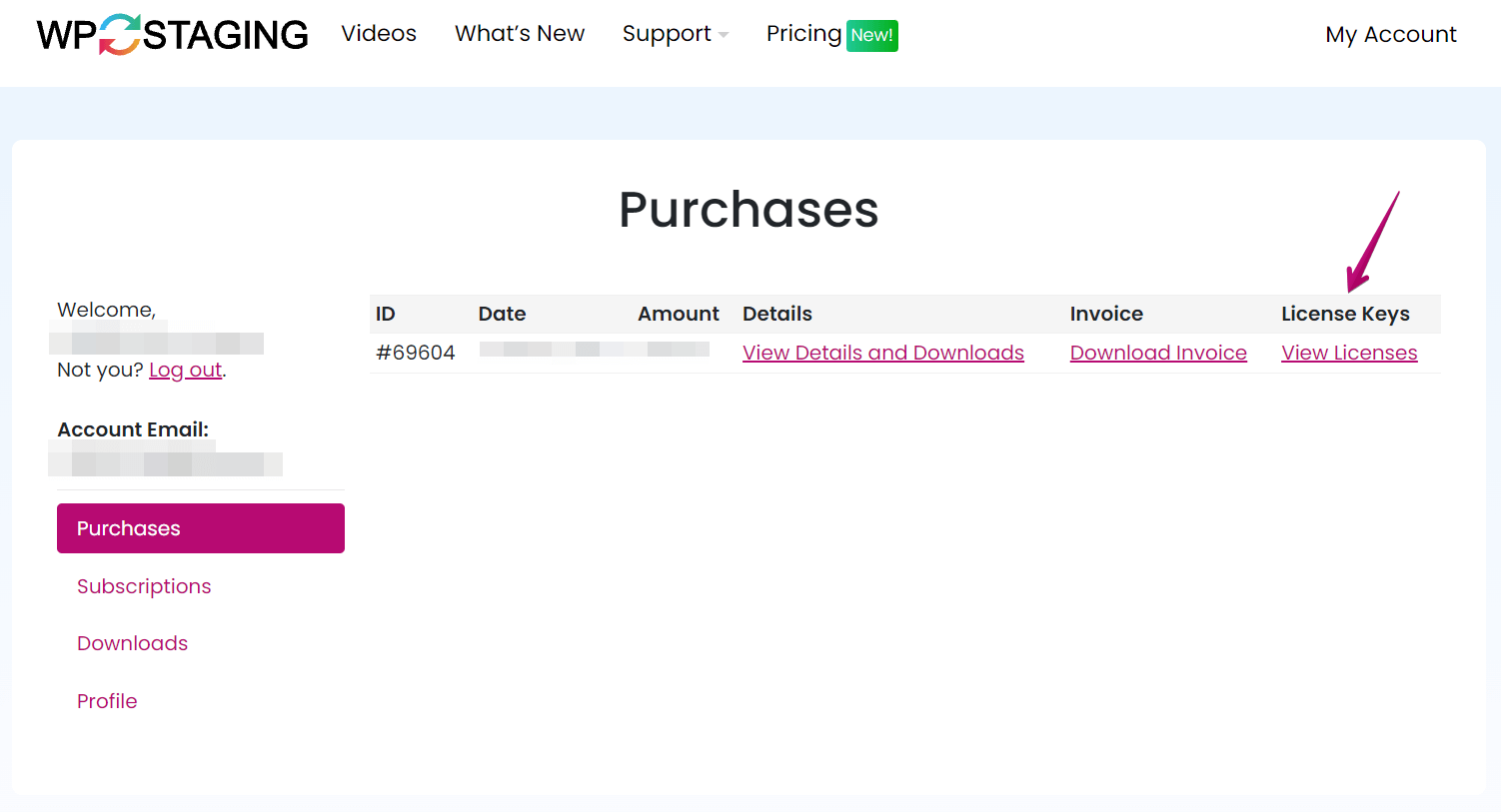
  • Click on View Licenses
    Your Account • WP STAGING License Key
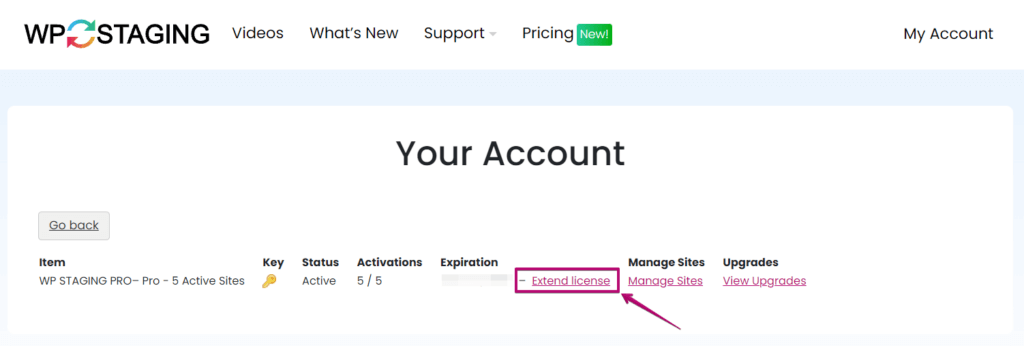
  • Click on Extend License
  • You’re redirected to a payment page.
  • Make the payment to renew.
WP STAGING Renew Licensen Option

Updated on November 7, 2023

Rene Hermenau

Author: Rene Hermenau

About the author: René Hermenau is the founder of WP STAGING. He works on WordPress backups, staging, migrations, database handling, and safe deployment workflows.