Clone a WordPress site, or move it to a new domain or host, without breaking it.
WP Staging copies a live WordPress site — database, files, plugins, themes and media — and rewrites the URLs and paths the copy needs to run somewhere else. Serialized data stays intact, so the copy comes up working instead of half-broken.
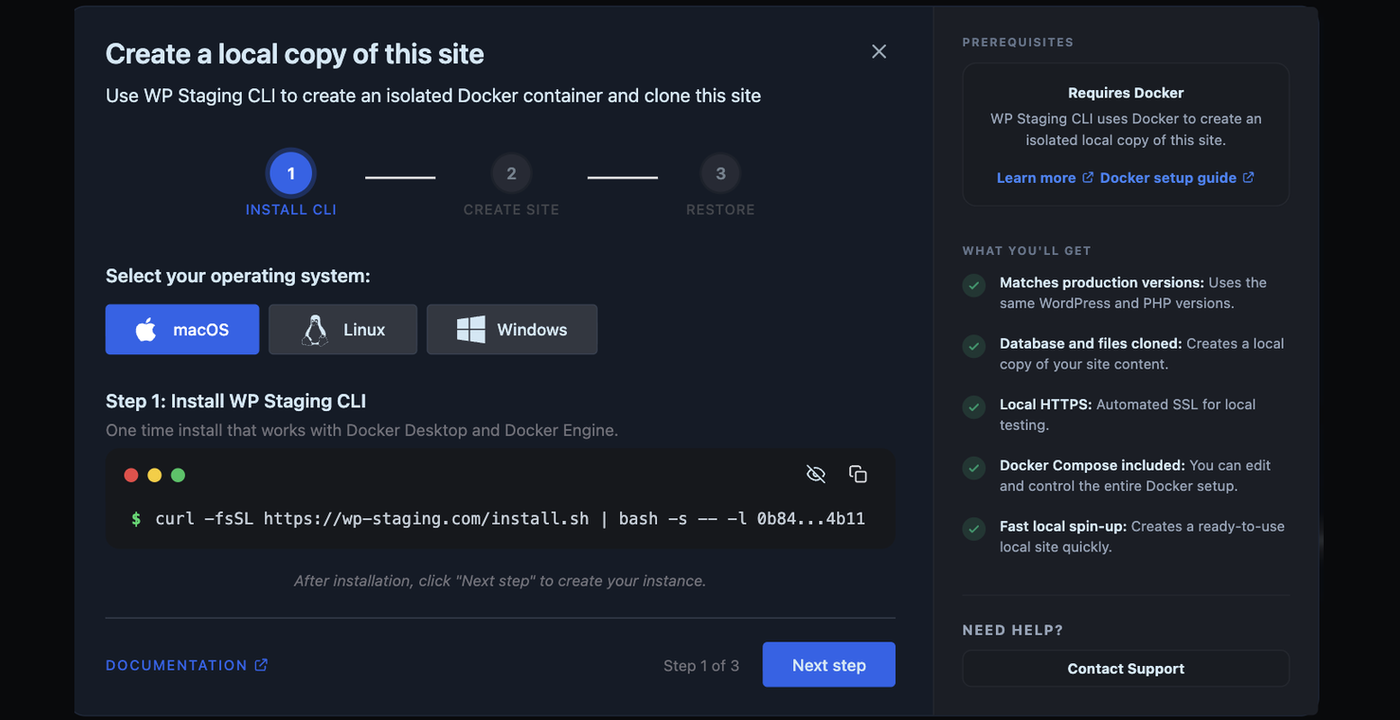
Duplicate a site on the same server in a few clicks, move one to a different host with Remote Sync, or pull production down to your own machine with WP Staging Desktop.
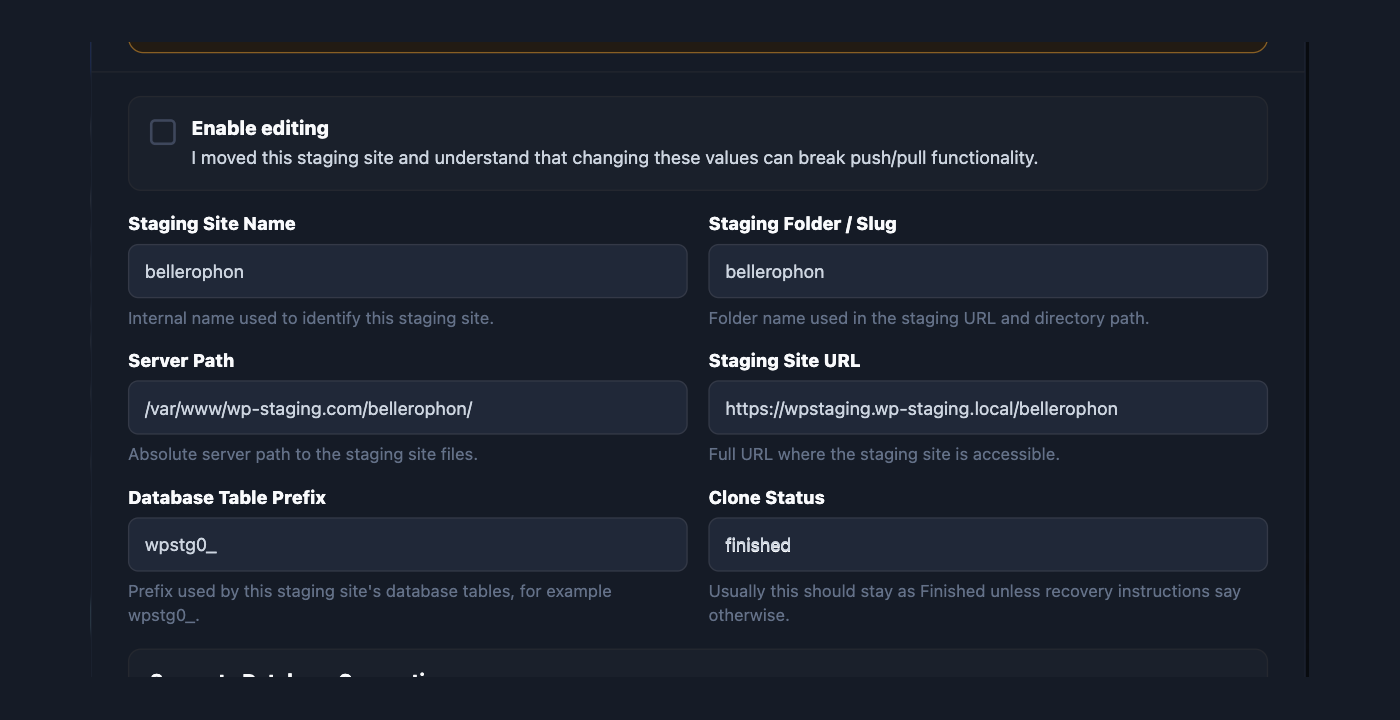
Pick what to copy, choose where it goes, and start. WP Staging copies the database, files, plugins, themes and uploads into a separate directory or subdomain with its own set of database tables, then rewrites the URLs and paths so the copy runs at its own address.
The original is left untouched. The copy is a real WordPress install you can log into, break, and throw away.
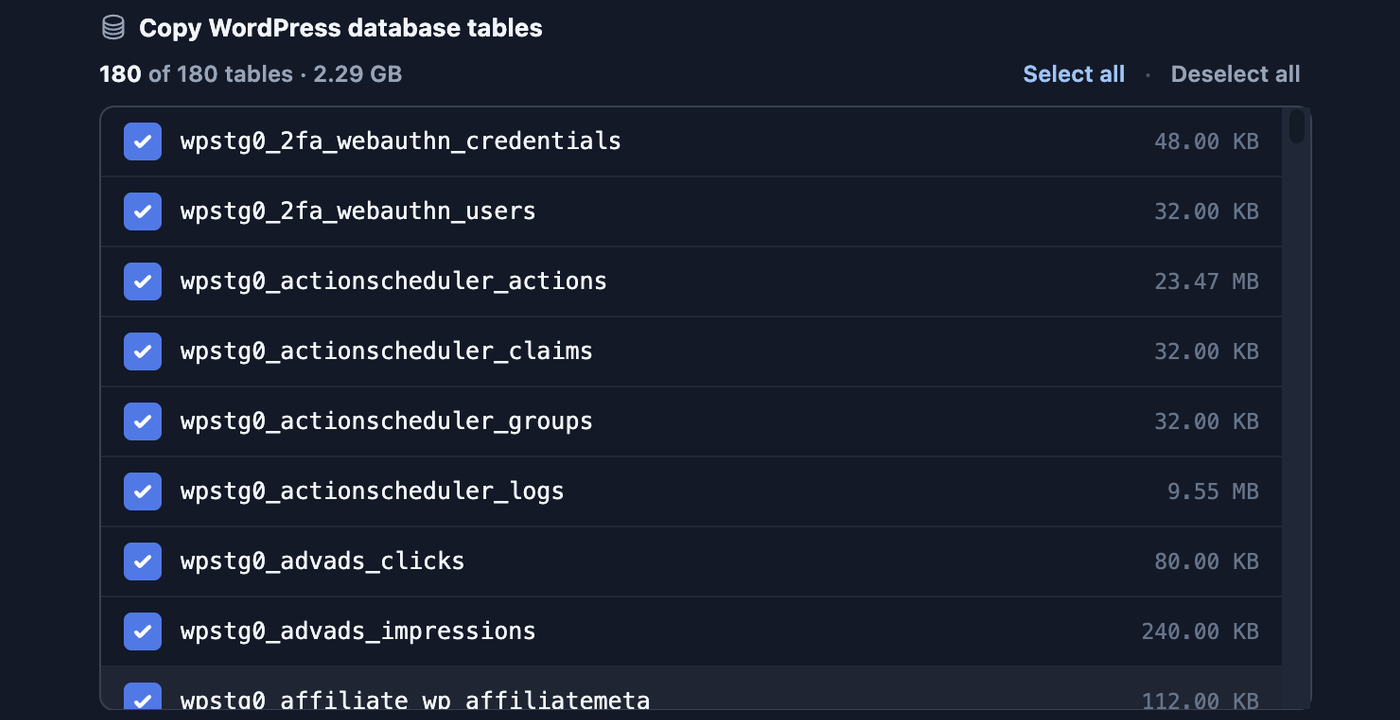
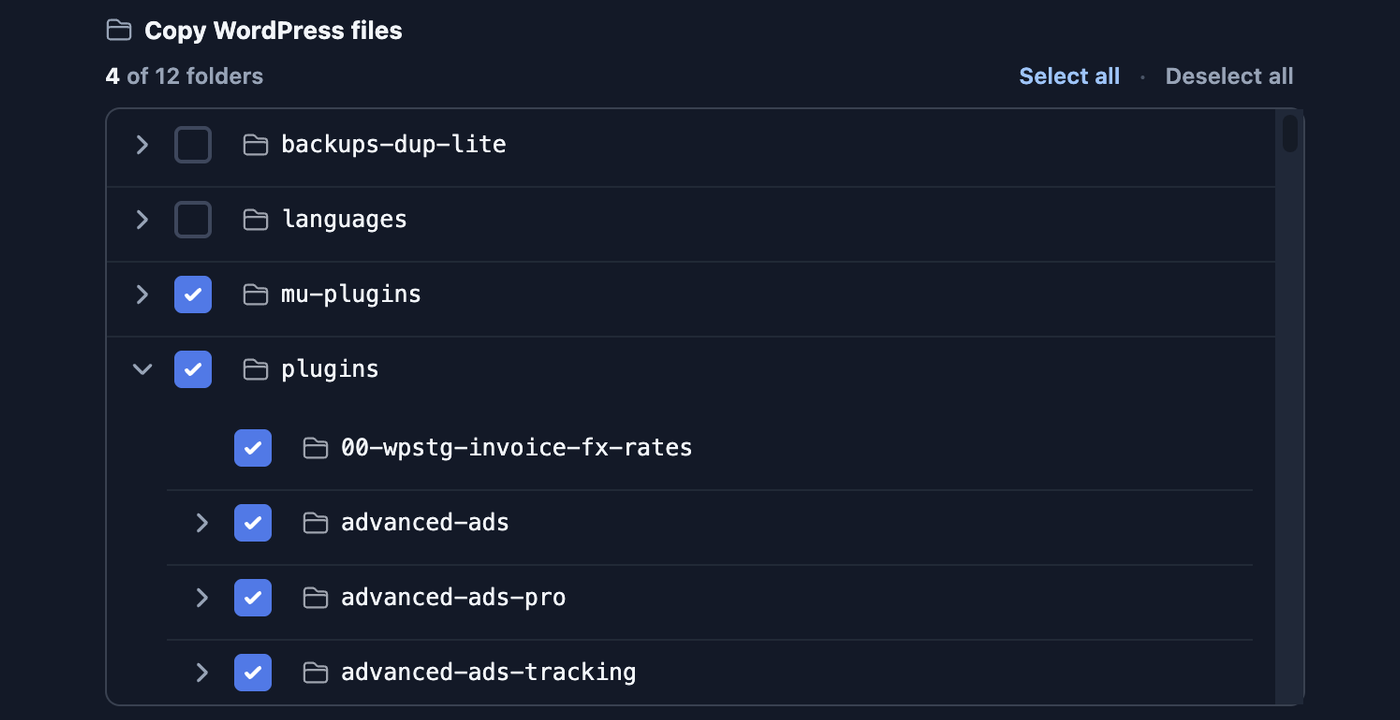
Choose the tables and files — exclude large upload folders or log tables so a big site does not have to be copied whole.
Separate database tables — the copy gets its own prefix, so nothing it does can reach the live tables.
Search engines excluded — the copy is set to discourage indexing, so it does not compete with the original.
Email and background jobs off — optional switches stop the copy sending mail or running scheduled jobs meant for production.
Name the copy and start. The original keeps running while it is made.Choose the tables and folders to include before anything is copied.
The parts that usually break a copy
Exporting a database and copying wp-content is the easy half. These are the four things that turn a copied site into a broken one, and what the plugin does about each.
serialized options rewritten, not string-replacedlarge sites copied in resumable batcheslive tables never written to
Serialized data
Page builders and theme options store URLs inside serialized PHP arrays that record their own string lengths. A find-and-replace over the SQL dump corrupts them and the site white-screens. WP Staging rewrites those values properly.
Sites too big for one request
Shared hosting kills long-running scripts. The copy runs in batches that pick up where they stopped, so a large media library does not mean a half-finished site and a timeout page.
The live site
The copy is written to its own directory and its own table prefix. The original database tables are read, never written, so a failed copy cannot damage the site it was copied from.
Getting it wrong twice
Take a full backup before the move and you have a way back. WP Staging Restore can put a site back from that backup even when WordPress itself will not load.
Move a site to a different host
Two routes, depending on what the old host still lets you do.
Remote Sync — server to server
Install the plugin on both sides, paste a connection key, and pull the whole site across. No archive to download, upload, or find disk space for.
Developer and Agency plans.
Backup and restore — one file
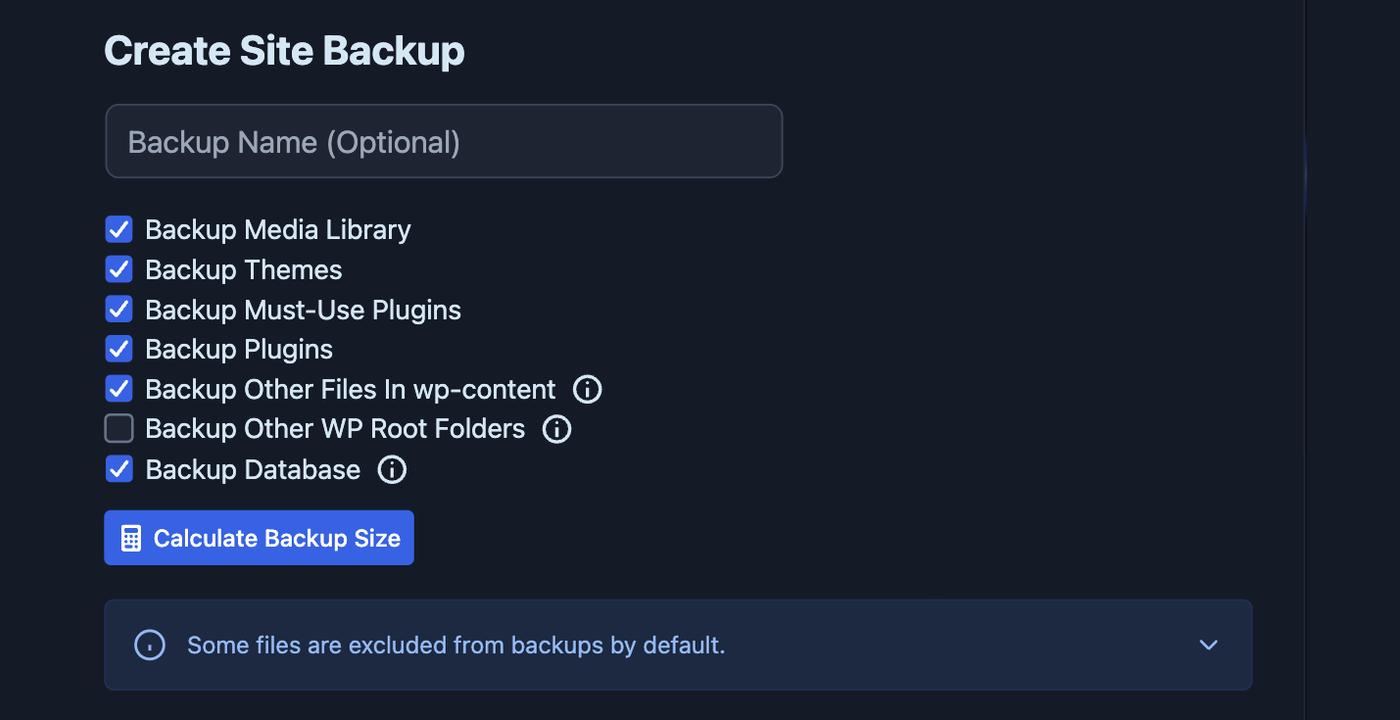
Take a full backup, move it to the new host through cloud storage or by hand, and restore it there. This route works even when the old host is slow, locked down, or already failing.
Backups on every plan; scheduled backups and cloud storage from Business.
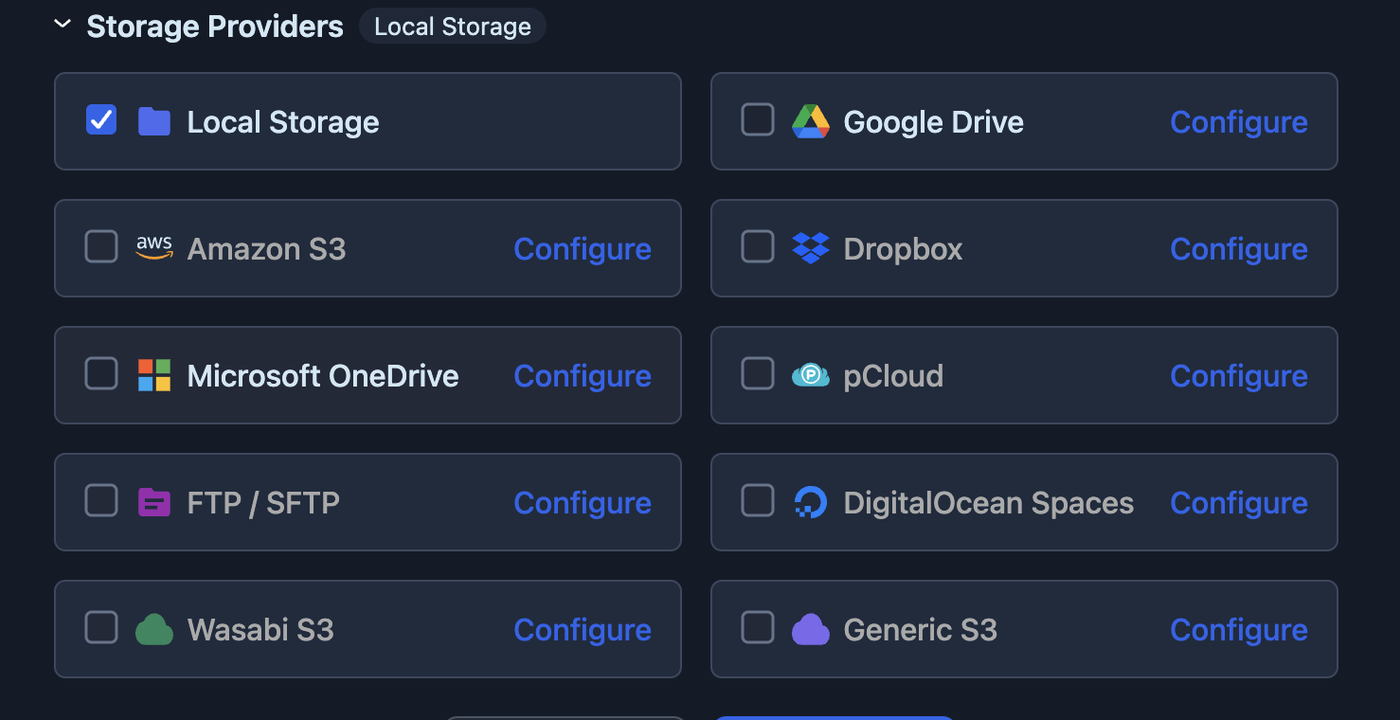
A full backup is the portable version of the site: one file that carries everything.Send the backup to cloud storage and pull it down on the new host.
Move a site to a new domain
A WordPress site stores its own address in more places than the two fields in Settings. Post content, widget data, theme options, page-builder layouts and plugin settings all carry absolute URLs, and many of them sit inside serialized arrays.
Whether a site is being cloned, restored on a new host, or pulled to a local machine, WP Staging rewrites those stored addresses as part of the job. There is no separate search-and-replace step to run afterwards and no serialized data to repair.
Handled as part of the copy
site URL and home URLabsolute URLs in post contentserialized theme and plugin optionsupload paths and file referencesdatabase table prefix on the copy
Copy the changes back to the live site
A copy is only half the job if the work on it has to be redone by hand on production. Push to live sends the copy back the other way, and you choose exactly what travels.
Pick the files and the database tables to publish. Leave orders, users and comments on the live site where they belong while a new theme or a plugin update goes out.
Push to live is available from the Business plan.
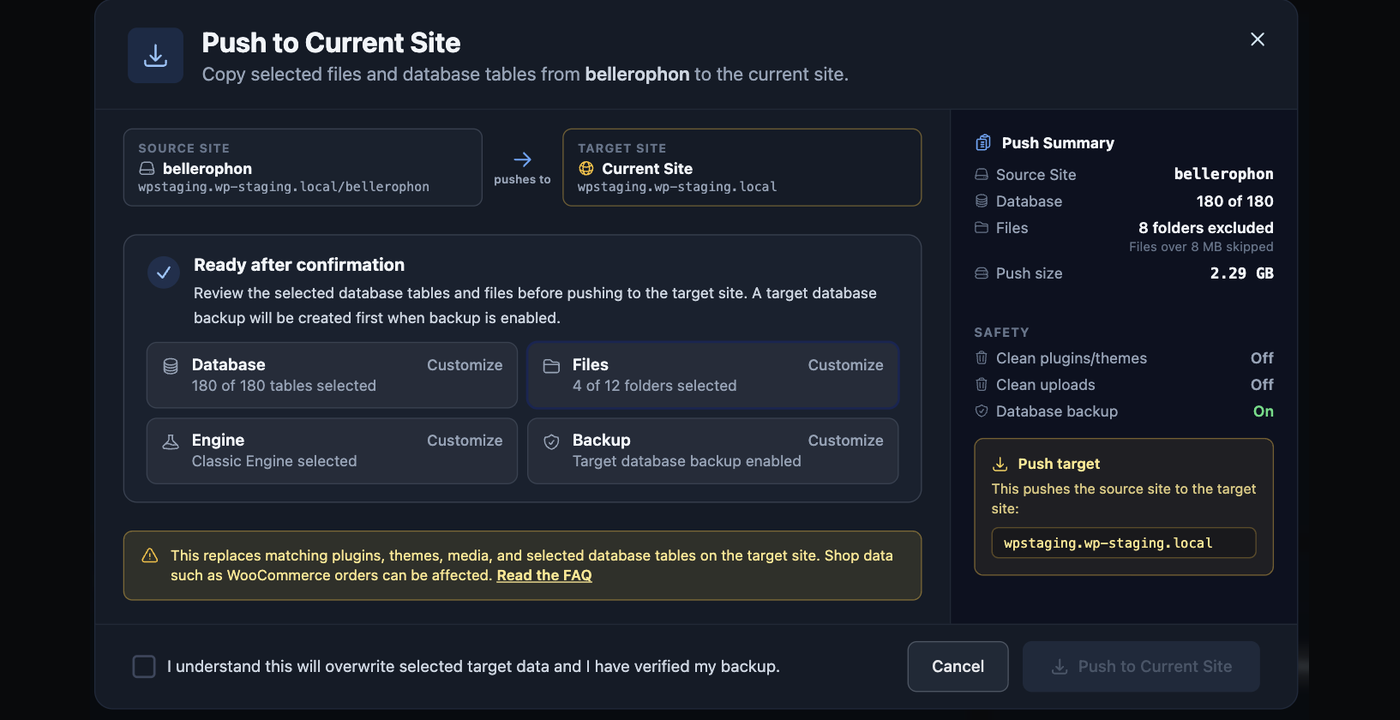
Push starts from the copy and reports what it will change before it changes it.Leave orders and users on production; publish only the tables you changed.The same choice for files: themes and plugins without touching uploads.
Copy a site to your own machine
WP Staging Desktop turns a production backup into a running local WordPress site on macOS, Windows or Linux. Point it at a backup — including one still sitting in remote storage — and it builds the environment around it.
Useful when a client site has to be debugged without touching production, or when a copy is needed somewhere no hosting bill applies.
Connected Desktop workflows and the CLI are included with Developer and Agency.
Multisite networks
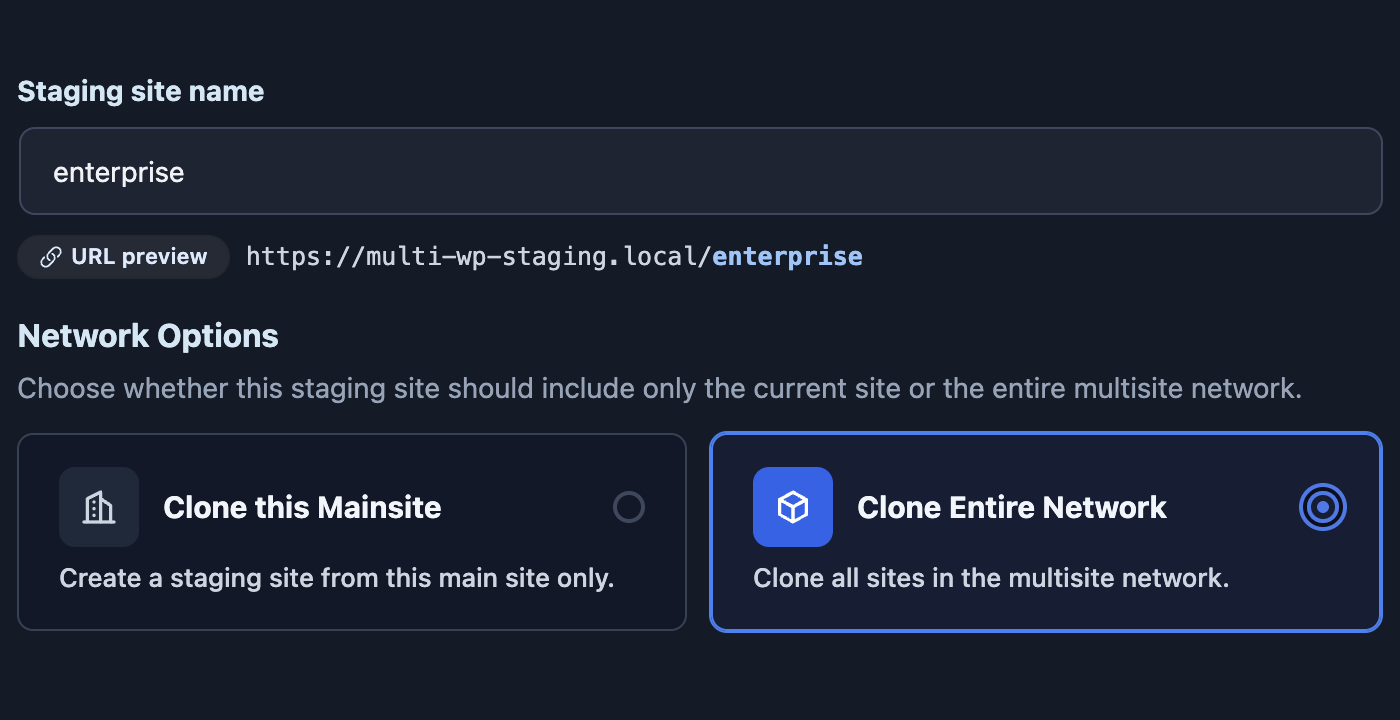
Clone a whole network to rehearse a change across every subsite, or copy a single subsite out on its own. Backups work at both levels too.
The network, or one subsite from it, copied the same way a single site is.
Multisite support is included with Developer and Agency.
Which plan covers which move
Cloning and backups are on every plan. Push to live and scheduled backups start at Business. Remote Sync, multisite, the connected Desktop workflows, the CLI and WP Staging Restore start at Developer.
At an hourly rate of €60, saving just two hours on two projects covers the annual cost of the Developer plan. The greater value is not only the time saved. A dependable staging, backup and recovery workflow can help prevent failed deployments, emergency repair work and avoidable downtime.
During the payment process you will see the price in Euro currency.
USD prices are calculated based on the current exchange rate and may fluctuate slightly.
Agency
For agencies and teams who need faster priority support and multiple support contacts. Covers up to 99 client sites.
Yes. The stored site address, the absolute URLs in post content and the URLs inside serialized theme and plugin options are all rewritten as part of the copy, so there is no separate search-and-replace to run afterwards.
Can I move a site to a different host?
Two ways. Remote Sync pulls the site straight across between two servers using a connection key. Or take a full backup, move that one file to the new host, and restore it there — which also works when the old host is slow or already failing.
Does the live site stay online while it is copied?
Yes. The copy is written to its own directory with its own database table prefix. The live tables are read, never written, so visitors are unaffected and a failed copy cannot damage the original.
What about a large site on shared hosting?
The job runs in batches that resume where they stopped, so a PHP timeout does not mean starting over. Large upload folders and log tables can also be excluded before the copy begins.
Can I copy a WooCommerce site?
Yes. When you publish the copy back to live you choose which database tables travel, so a theme or plugin change can go out while orders, customers and users stay on production.
Does it work with multisite?
Yes, with the Developer or Agency plan. You can clone a whole network, or copy one subsite out of it on its own.
Do I need the paid version to clone a site?
Basic cloning is in the free plugin on WordPress.org. Push to live and scheduled backups start at Business; Remote Sync, multisite, the connected Desktop workflows, the CLI and WP Staging Restore start at Developer.
What if the move goes wrong?
Take a full backup first. WP Staging Restore can put a site back from that backup even when WordPress itself will not load, so there is a way back that does not depend on the site booting.
The free plugin on WordPress.org clones a site on the same server. Try that first, and upgrade when you need to move between hosts, publish back to live, or work on a copy locally.