


This article explains how you can backup WordPress with the free backup plugin WP STAGING. WP STAGING is one of the fastest and best-tested WordPress backup plugins. You can create a backup of your entire WordPress website with one click, download the backup, and even migrate it to another website. So, If your website breaks … Continue reading “How to Backup and Restore Your WordPress Website”
Blog
Create & Restore WordPress Backups with WP Staging Snapshots
WP Staging Pro 5.9.4 has been released and comes with the long-awaited new snapshot feature! WP Staging snapshots allow you to create database backups. It creates a snapshot automatically every time you push your staging site to live. So, for instance, if something does not work as expected after a push or installing a new … Continue reading “Create & Restore WordPress Backups with WP Staging Snapshots”
How to Fix the 500 Internal Server Error in WordPress
The WordPress 500 Internal Server Error is one of the most frustrating errors because it gives no information about what went wrong. It can appear on any page, take your site completely offline, and affect your search rankings if it stays unresolved for more than a few hours. Download WP STAGING to avoid this and … Continue reading “How to Fix the 500 Internal Server Error in WordPress”
WP – What Does it Stand For?
WP stands for WordPress, the open-source content management system (CMS). In plugin and theme names like WP STAGING, WP-CLI, and WP Rocket, "WP" is the standard shorthand for WordPress. It should not be confused with WP Engine, which is a separate hosting company. What Does WP Stand For? "WP" is shorthand for WordPress, an open-source … Continue reading “WP – What Does it Stand For?”
Understanding WordPress Auto-Load Options and How to Fix Performance Issues
If you’re seeing a WordPress warning about site performance being affected by auto-load options, you’re not alone. This message indicates that your database might contain many auto-load options, potentially slowing down your website. Here’s everything you need to know about auto-load options and how to address the issue. What Are Auto-Load Options in WordPress? In … Continue reading “Understanding WordPress Auto-Load Options and How to Fix Performance Issues”
Fix Common .htaccess Issues in WordPress
Are you facing .htaccess problems, perhaps seeing an internal server error or a forbidden error message? Often, this happens because the .htaccess file is corrupted. If that sounds like your problem, relax. In this guide, we’ll walk you through the steps to fix your .htaccess file in WordPress with ease. .htaccess File – Purpose and … Continue reading “Fix Common .htaccess Issues in WordPress”
Fix WordPress Database Error: Disk Full
Have you ever tried adding a new post or updating a plugin on your WordPress site only to receive the error "Database Error: Disk Full"? That means your server is running low on storage, preventing the database from saving new data. When this happens, your site might misbehave by failing to load plugins, store content, … Continue reading “Fix WordPress Database Error: Disk Full”
WordPress Changes Not Showing? Let’s Fix it!
Are your WordPress updates not showing up on your site? You’re not alone; many WordPress users face this issue. The usual suspect is caching, which can happen at various levels, like your browser, WordPress site, or content delivery network (CDN). This guide explains how caching can hide updates on your WordPress site and offers simple … Continue reading “WordPress Changes Not Showing? Let’s Fix it!”
How to Fix ‘The Site is Experiencing Technical Difficulties’ in WordPress
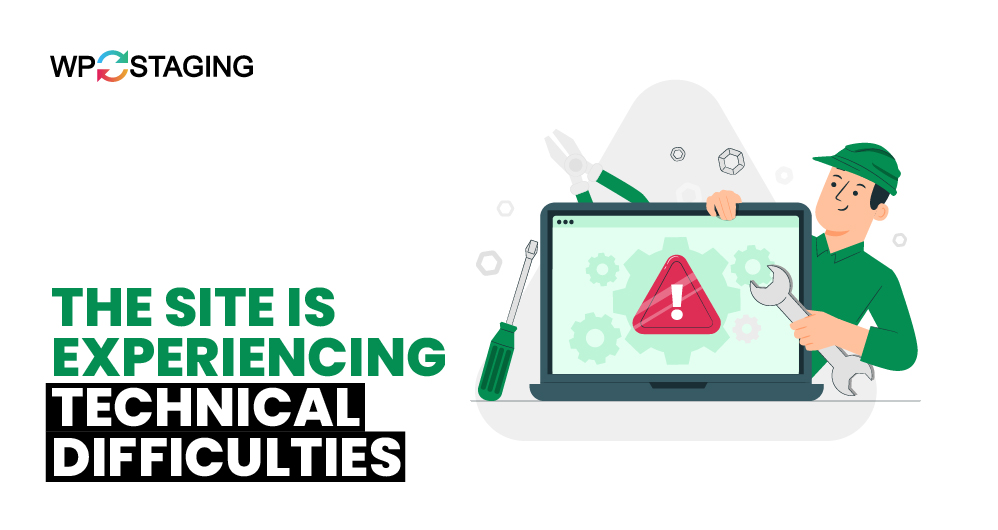
When your WordPress site displays the message "The Site Is Experiencing Technical Difficulties," it may seem like a significant hurdle. However, resolving this issue is often manageable with a few troubleshooting steps. What Is ‘The Site Is Experiencing Technical Difficulties’? This error message is a generic notification from WordPress that indicates something is wrong with … Continue reading “How to Fix ‘The Site is Experiencing Technical Difficulties’ in WordPress”
“There Has Been an Error Cropping Your Image” in WordPress
Can you picture a WordPress site devoid of images? Images are essential in defining the character of your website’s content, and the WordPress media editor makes it easy to crop and resize them without leaving the admin dashboard. However, you might occasionally encounter an error stating, "There has been an error cropping your image," when … Continue reading ““There Has Been an Error Cropping Your Image” in WordPress”