When managing a WooCommerce site, especially in a development or staging environment, there may be times when you need to delete all orders. This could be to refresh the database during testing or before syncing data from a live environment. Using MySQL to delete orders is efficient and direct but should be handled with care to avoid data loss in a live environment.
Contents
Important: Always Backup Your Database First
Before running any queries that will alter your database, always ensure that you have a full backup. You can back up your WordPress database using a plugin like WP Staging or through your hosting control panel.
Understanding the WooCommerce Database Structure
WooCommerce stores order information across several tables in the WordPress database, including:
wp_postsandwp_postmetafor order details.wp_woocommerce_order_itemsandwp_woocommerce_order_itemmetafor specific item data.wp_commentsandwp_commentmetafor order notes and associated metadata.
Step-by-Step Process to Clear All WooCommerce Orders
Clear out unnecessary details by removing all metadata related to order items. Execute the following SQL query to accomplish this:
DELETE FROM wp_woocommerce_order_itemmeta;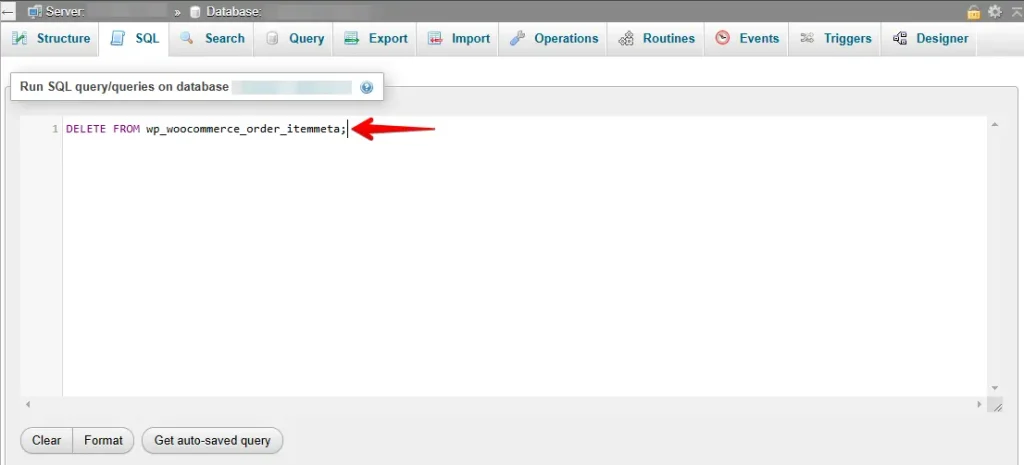
Remove every item from all orders, effectively clearing all individual product entries.
DELETE FROM wp_woocommerce_order_items;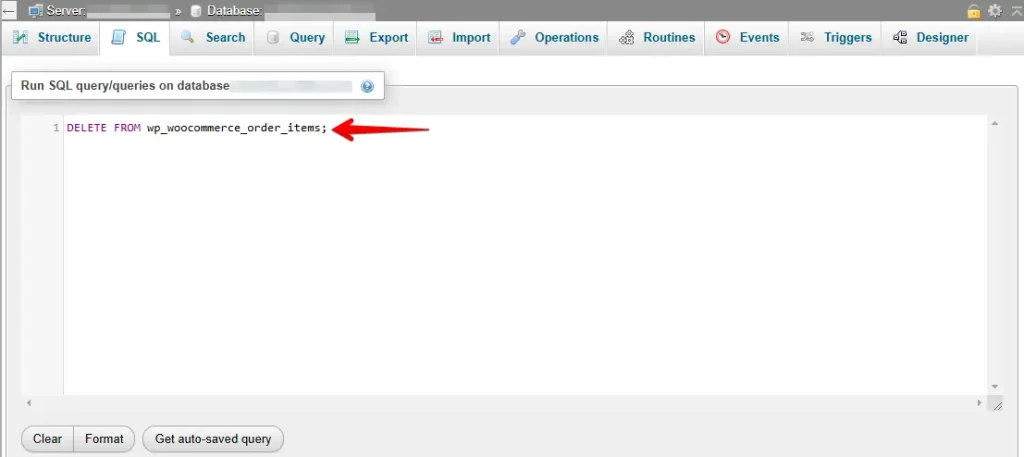
Purge all comments and their metadata associated with orders, including notes and instructions.
DELETE FROM wp_comments WHERE comment_type = 'order_note';
DELETE FROM wp_commentmeta WHERE comment_id NOT IN (SELECT comment_id FROM wp_comments);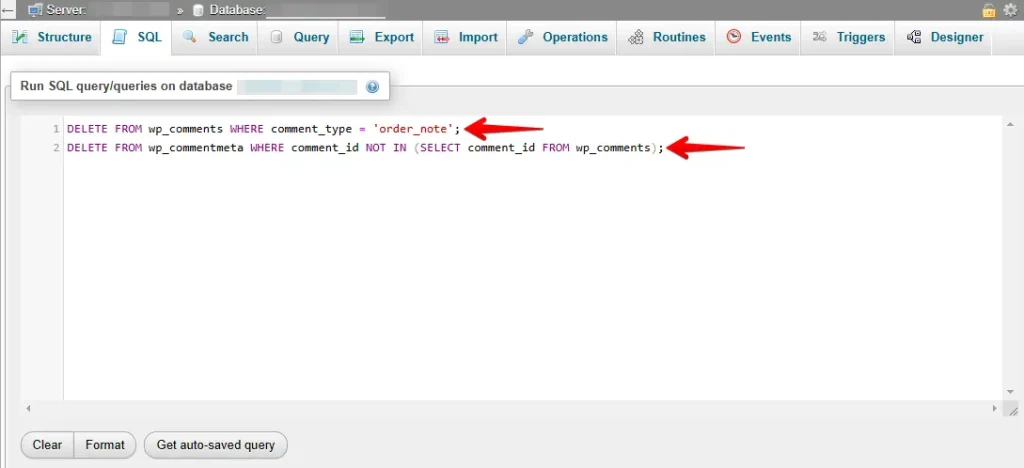
Remove all records of orders along with any linked metadata from your database.
DELETE FROM wp_postmeta WHERE post_id IN (SELECT ID FROM wp_posts WHERE post_type = 'shop_order');
DELETE FROM wp_posts WHERE post_type = 'shop_order';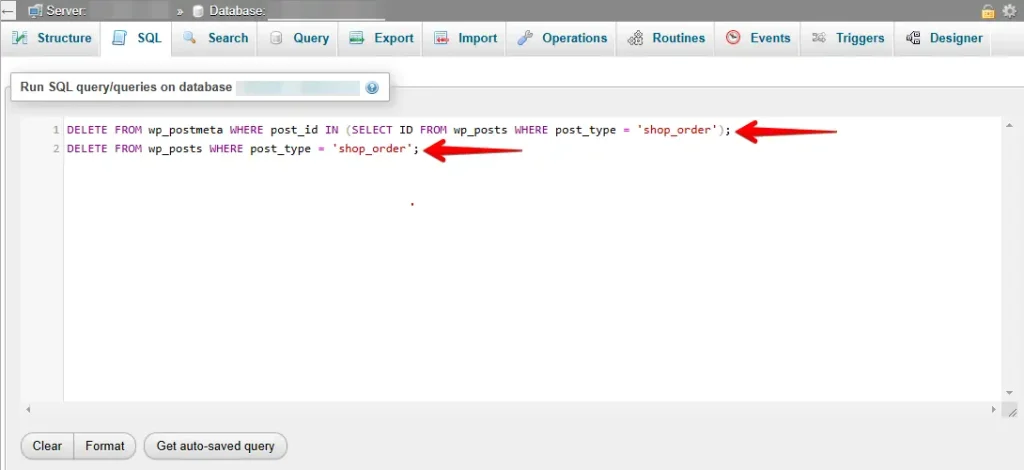
Confirm Deletion
After running these queries, you can check if the orders have been deleted by running:
SELECT * FROM wp_posts WHERE post_type = 'shop_order';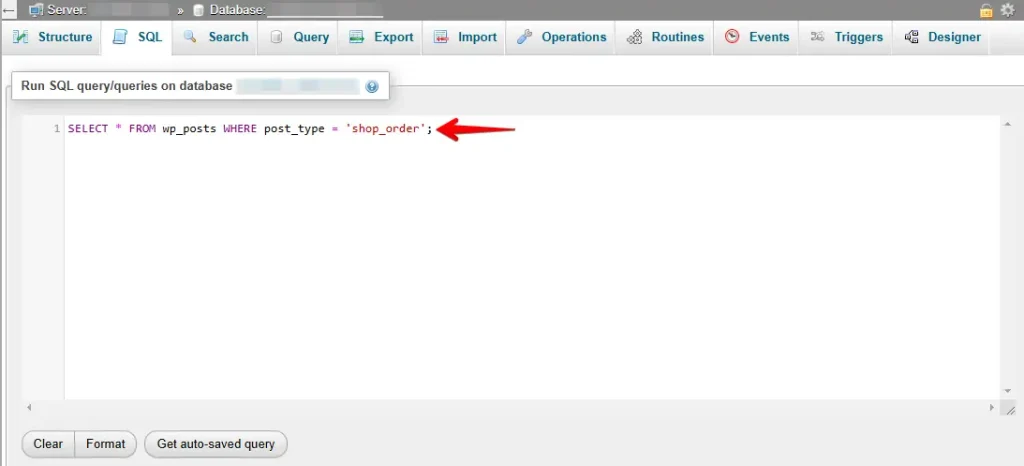
If no results return, then the deletion was successful.
Database Optimization Post-Deletion
After removing a large amount of data, it’s beneficial to optimize your database to improve performance:
OPTIMIZE TABLE wp_posts, wp_postmeta, wp_comments, wp_commentmeta, wp_woocommerce_order_items, wp_woocommerce_order_itemmeta;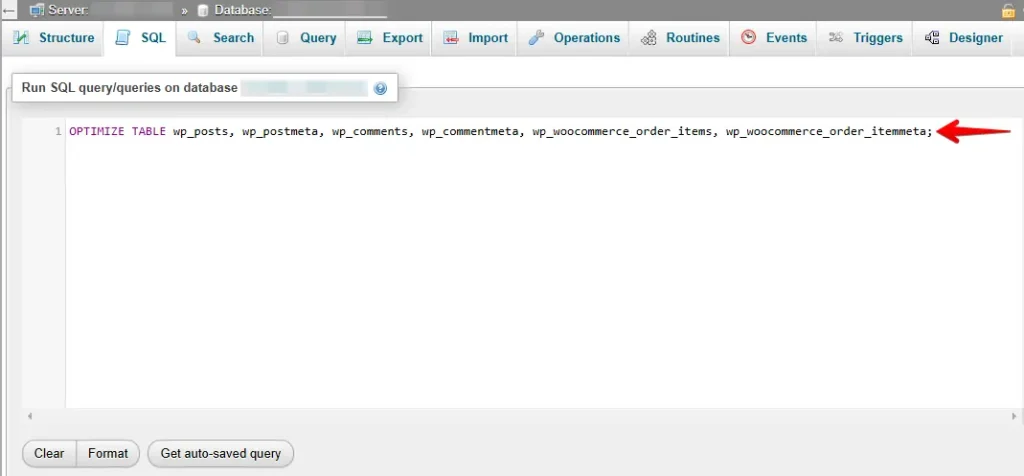
Note on Table Prefixes
The SQL examples above use the default WordPress table prefix wp_. Make sure to replace this with your actual table prefix as found in your site’s wp-config.php file.
By following this guide, you can efficiently manage order data in your WooCommerce site, ensuring your testing and development processes are as streamlined as possible.
Related Articles